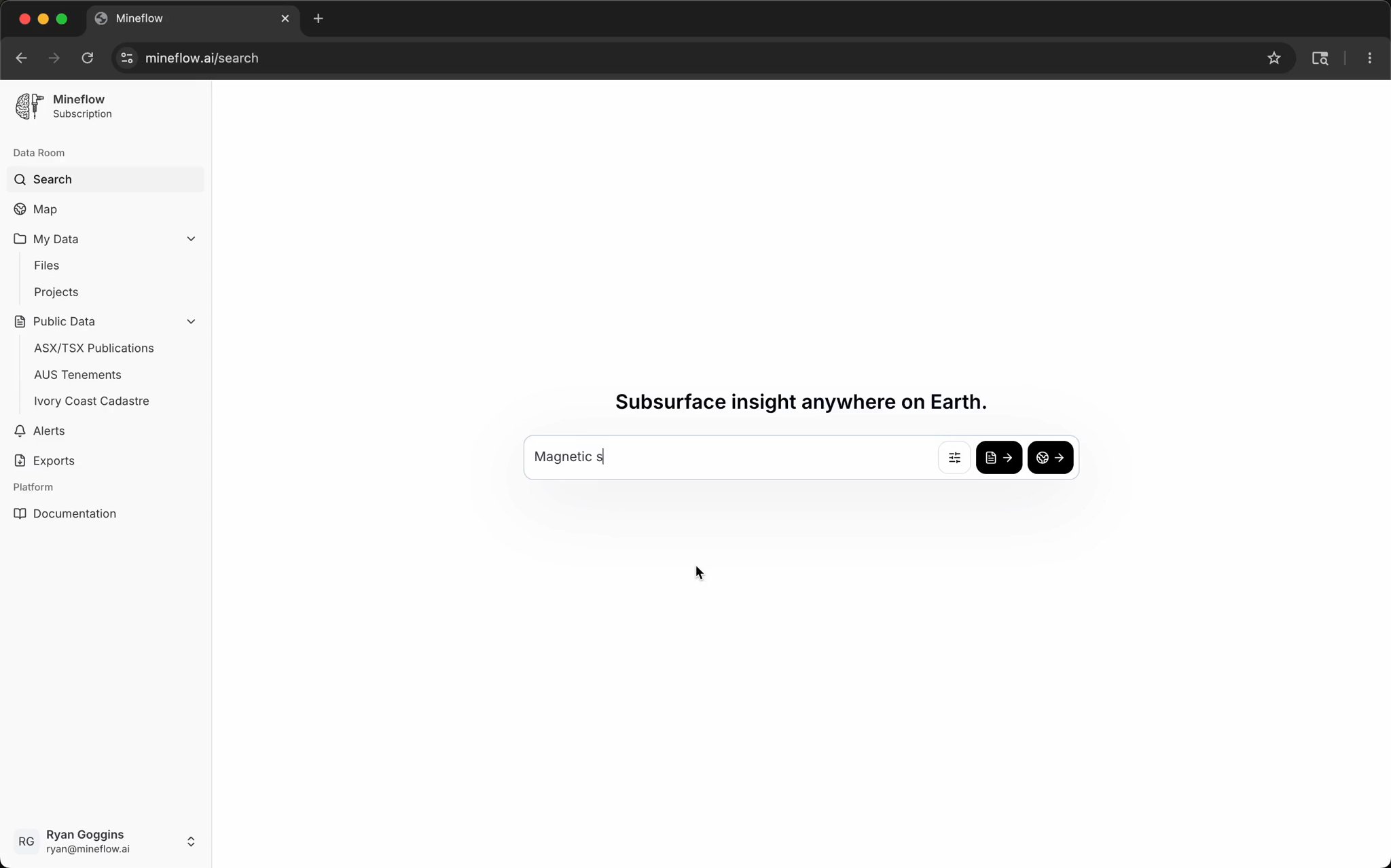
Search the subsurface.

A search engine for the world's biggest mineral exploration dataset. Query every public drill hole, assay, map, and filing — alongside your own private data.

Regulatory Intelligence

A live ASX and TSX document feed with project context already attached.

Mineflow reads hundreds of filings every day, pulls out useful geological signals, and routes them into alerts, maps, and follow-up review. Not just from ASX and TSX, either. We also read directly from public and private company websites to see if they've published additional data that can't be found in regulatory documents and geoscience portals.

Project-linked feeds

New filings do not land as flat company PDFs. Mineflow automatically figures out which projects they are related to and pulls out the drill data, magnetics, and so much more.

Beyond regulatory portals

Mineflow also reads directly from public and private company websites so your team can catch datasets that never surface cleanly in ASX, TSX, or geoscience portal workflows.

Documents preview

Live project-linked regulatory feed

ASXTSXCompany sites
TSX
Just nowNew·Toodoggone Camp
Phase 2 soil sampling program results.pdf
Cascadia Resources · British Columbia, Canada
834125
Soil geochemistry and anomaly outlines queued for map overlay.
ASX
Just nowNew·Carolina Tin-Spodumene Corridor
Quarterly Activities Report - March 2026.pdf
Piedmont Lithium · North Carolina, USA
24181463
Linked to active project feed and district watchlist.
TSX
3 min ago·Red Ridge District
Technical report and district exploration update.pdf
District Copper · British Columbia, Canada
9111974
Claims, drill tables, and map layers queued for review.
Company Website
17 min ago·Northern Fold Belt
Historic mapping appendix and field logs.zip
Auric Exploration · Queensland, Australia
1210853
Document-on-map preview prepared before manual review starts.
ASX
44 min ago·West Archaean Trend
Radiometrics package and interpretation maps.pdf
Aster Gold · Western Australia
161195
Regional geophysics and map layers attached to the same district search surface.
Intelligent Alerts

Mineflow emails you when

Mineflow watches filings, surveys, maps, and tenure changes, then routes the useful updates into project feeds and team workflows before someone forwards a PDF around manually.

Alerting preview
Archive ingestJust nowNew
Historic maps appeared for a tracked gold corridor
Recovered appendix flagged for georeferencing and linked to the same district feed.
Map rescue queue
ASX filingJust nowNew
Pilbara filing with gold assays above 10 g/t detected
New assay table and intercept summary matched the Pilbara gold threshold monitor.
Gold watchlist + WA regional lead
Tenement change18 sec ago
Adjacent operator missed a tenement renewal deadline
Expiry risk surfaced on ground touching a watched district boundary.
Ground strategy + land team
Company site1 min ago
Watched gold project published a new magnetic survey package
Survey package linked into the project feed and queued for map review.
Documents + maps workflow
Tenement registry3 min ago
New tenement application lodged next to active mine footprint
Fresh application crossed the monitor boundary around an active operating asset.
Adjacent ground monitor
3D Exploration Workspace

Review search results, drilling, terrain, and geology in one 3D workspace.

A search does not have to end as a flat map. Open a result like gold intercepts near WA greenstone polygons in 3D, then inspect the drill traces against terrain and mapped geology.

Search results become 3D scenes

Select the area that matters from the search map and open the drilling directly in 3D.

Geology stays in view

Inspect drill traces against terrain, imagery, and mapped layers like greenstone polygons instead of reviewing holes in isolation.

Review before deeper modeling

Use the 3D workspace to decide which search hits deserve follow-up sections, exports, or full geological modeling.

Document-to-map workflows

Turn a drilling update PDF into map context you can actually interrogate.

Mineflow connects the document feed to the map. Open a filing, inspect recovered rock bodies and project data, then relax the filters to see the surrounding public drill context.

Automatic from the PDF

Drop in a report, scanned map, appendix, or cross section and Mineflow handles the georeferencing automatically without a manual control-point workflow.

Cross-checked against project data

Mineflow georeferences maps from PDFs and cross references them with project data to confirm their accuracy.

Australian Tenement Freshness

Keep Australian ground position fresh, not just the document feed.

Australian tenement support is more compelling when it feels operational. See which ground is at risk, newly lodged, freshly granted, or moving around your projects without leaving the rest of the dataset behind.

Renewal and expiry visibility

Teams should be able to see which ground is at risk, newly granted, pending, or recently dropped without waiting for manual spreadsheet upkeep.

Adjacent-ground awareness

Mineflow should make it easy to notice when someone new moves onto strategic ground near your projects, mills, or regional targets.

Australian tenement monitor

Australian district-level tenure changes with project context attached

Expiry riskUpdated 12 min ago
Leonora South
Adjacent exploration license moves inside the next 21 days without a confirmed renewal.
New applicationUpdated 26 min ago
Murchison trend
Fresh application lodged across ground bordering an active gold watchlist cluster.
Grant statusUpdated 41 min ago
Red Ridge district
Permit state changed and the district map refreshed for the full project feed.
Boundary refreshUpdated 1 hr ago
Carolina corridor
Tenement boundary update propagated into maps, search, and adjacent-ground alerts.
Private Data Workflow

Start with your project data, then ask what surrounds it.

Upload drilling and geology, see it on the map, relax the filters into the public record, and carry the strongest target into 3D review.

Scroll to move left-to-right through each step.

Step 1Step 2Step 3Step 4Step 5
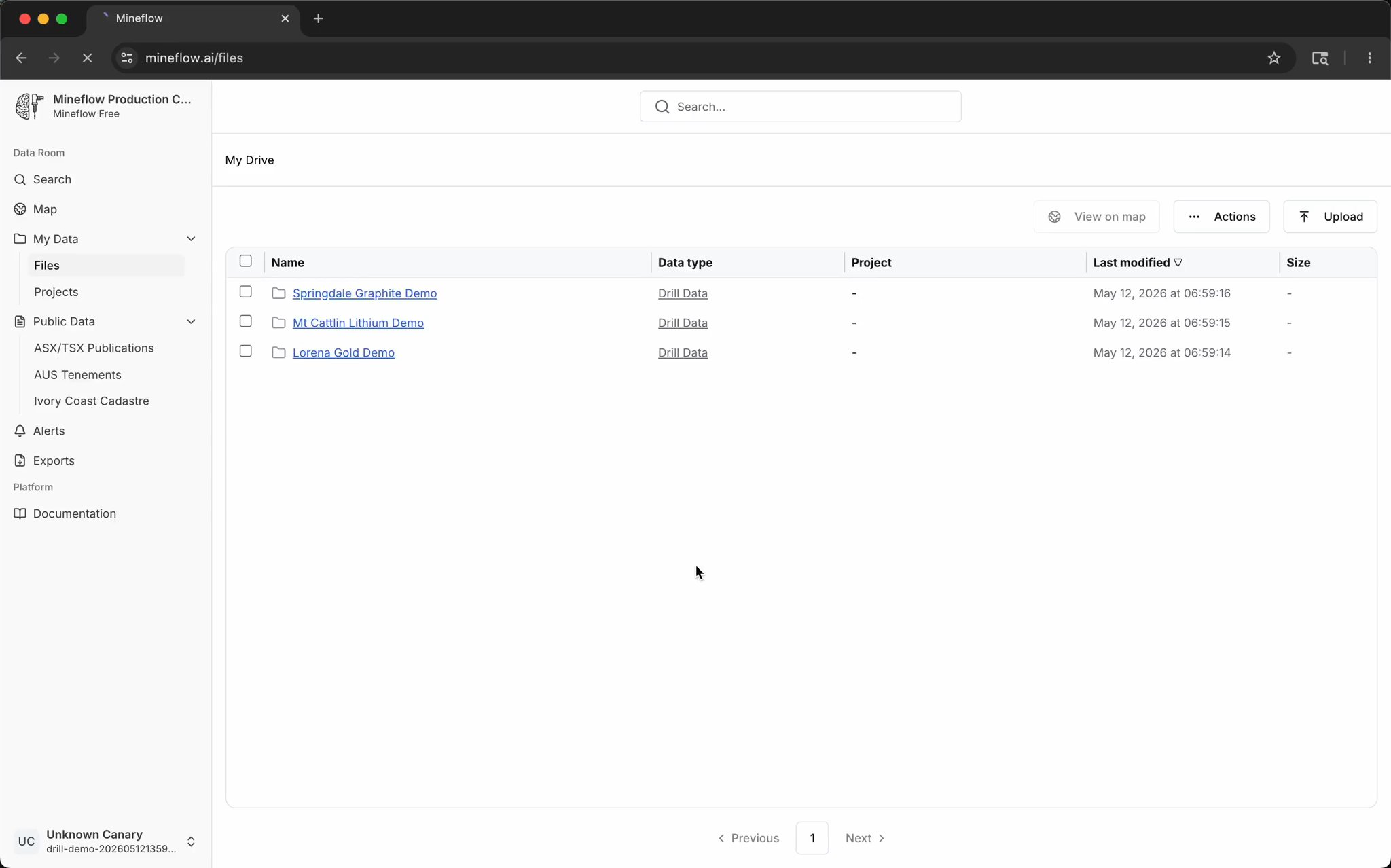
Step 1Ingest

Upload the files geologists actually have

Start with collars, assays, lithology, maps, reports, and supporting project files. Mineflow turns the messy project folder into map-ready exploration data.

CollarsAssaysLithologyReportsMaps
Step 2Locate

Open your private drilling on the map

Instead of asking where the uploaded holes landed, open the project and see the drill pattern immediately on satellite imagery and basemap context.

Private mapDrill tracesProject context
Step 3Compare

Ask what the public record shows nearby

Remove the private filter, add public drilling, search the same area, and see whether the district has analogous holes, projects, or targets around your ground.

Public drillingSearch this areaNearby projects
Step 4Search

Search by a real geologic thesis

Use the same search surface for direct questions like Li2O intercepts near pegmatites, instead of hand-filtering assays and geology in separate tools.

Li2OPegmatitesWA lithiumMap query
Step 5Estimate

Inspect assays and generate a first-pass surface

Open a selected area in 3D, color the holes by assay, and generate a quick prediction surface while the target is still in view.

3D reviewAssay colorSurface predictionTarget review
Get Started

See what Mineflow surfaces on your ground before the rest of the market does.

Book a demo for the full workflow, or start exploring the platform directly and see how documents, maps, alerts, search, and 3D review fit together.